# Manage prompts through MCP
> Tools Claude uses to create and delete collections, add, edit, pause and delete tracked prompts, and read how each collection and prompt performs.
 Ask Claude to organize what you track and Erlin manages your collections and prompts. These tools create and delete collections, add, edit, pause and delete tracked prompts, and show how each collection and prompt performs. None of them cost credits.
A prompt is a question you track in AI answers, such as "best CRM software". A collection is a group of tracked prompts for one brand and website: in the Erlin app, collections appear as prompt folders. Every website has a default collection that holds all its prompts (All prompts in the app), and Claude uses it unless you name another.
## Review before creating
| Tool | Access | Purpose |
|---|---|---|
| `erlin_list_collections` | Read | List a website's collections, with the brand and domain each tracks, its prompt count and which is the default |
| `erlin_get_collection` | Read | Show one collection's name and the brand and domain it tracks |
| `erlin_get_collection_metrics` | Read | Show each collection's AI visibility from 0 to 100, with a per-platform breakdown |
| `erlin_list_prompts` | Read | List the prompts in a collection, up to 50 by default, and whether each is active or paused |
| `erlin_get_prompt_metrics` | Read | Show each prompt's AI visibility from 0 to 100, with a per-platform breakdown |
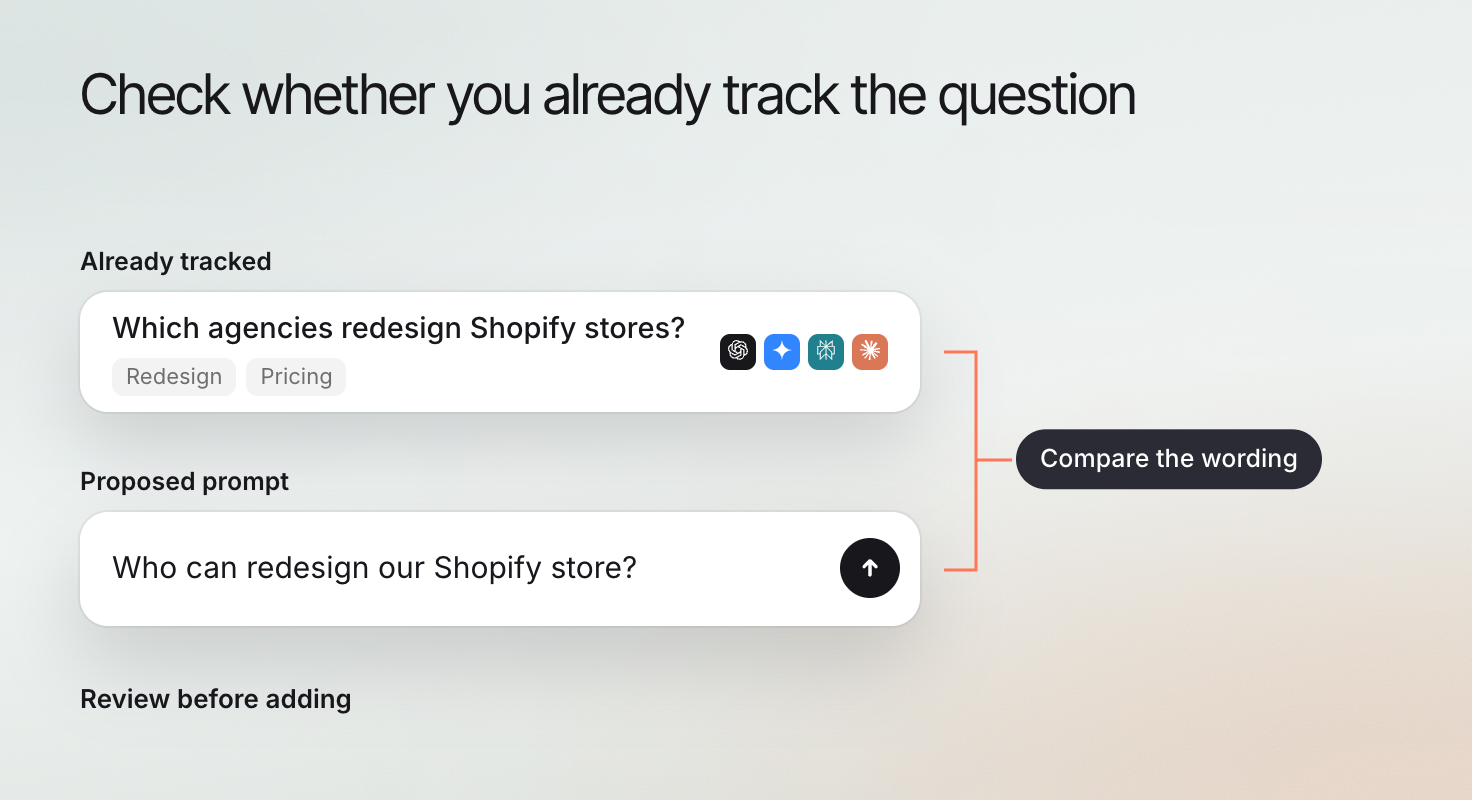
The metrics tools cover a time range you choose (default 7 days, up to 90). Ask Claude to list the current prompts before adding new ones, so you do not track the same question twice.
## Create the intended records
| Tool | Access | Information it uses |
|---|---|---|
| `erlin_create_collection` | Write | Collection name, website and the brand name and domain to track |
| `erlin_create_prompt` | Write | Prompt text, website, the brand name and domain, and an optional collection |
| `erlin_bulk_create_prompts` | Write | Up to 200 prompts, the website and collection, the brand name and domain, and an optional country or city so results reflect that location |
If part of a large bulk list fails, Erlin says how many prompts were created before the failure. Adding prompts does not check them: run a visibility check to get their first results.
## Edit or pause a prompt
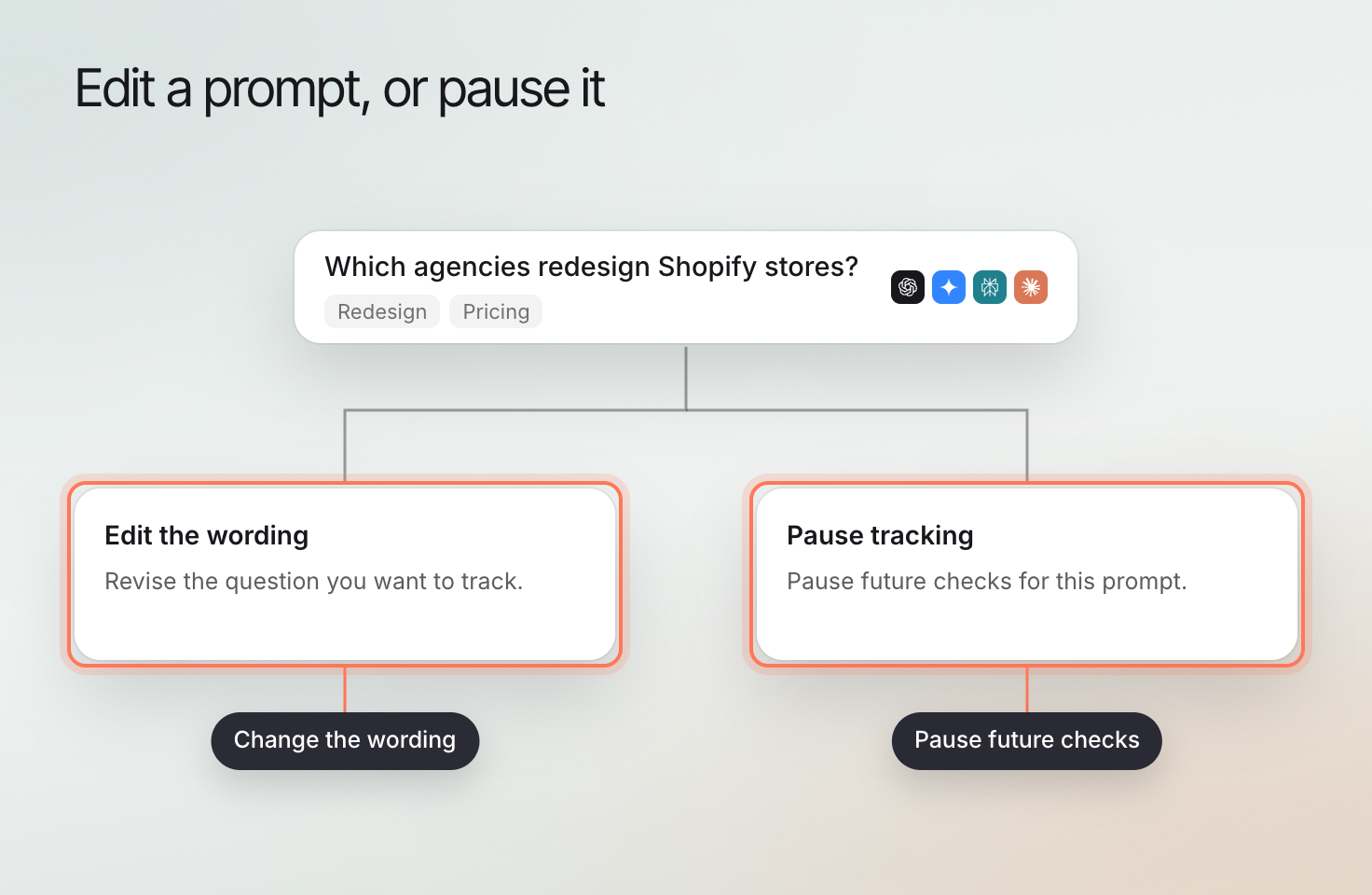
`erlin_update_prompt` (Write) changes a prompt's text, pauses it, or resumes it. A paused prompt is skipped by future checks until you resume it, and keeps its history.
Changing the wording changes what later results measure. Note when a rewrite changes the question being tracked.
Ask Claude to organize what you track and Erlin manages your collections and prompts. These tools create and delete collections, add, edit, pause and delete tracked prompts, and show how each collection and prompt performs. None of them cost credits.
A prompt is a question you track in AI answers, such as "best CRM software". A collection is a group of tracked prompts for one brand and website: in the Erlin app, collections appear as prompt folders. Every website has a default collection that holds all its prompts (All prompts in the app), and Claude uses it unless you name another.
## Review before creating
| Tool | Access | Purpose |
|---|---|---|
| `erlin_list_collections` | Read | List a website's collections, with the brand and domain each tracks, its prompt count and which is the default |
| `erlin_get_collection` | Read | Show one collection's name and the brand and domain it tracks |
| `erlin_get_collection_metrics` | Read | Show each collection's AI visibility from 0 to 100, with a per-platform breakdown |
| `erlin_list_prompts` | Read | List the prompts in a collection, up to 50 by default, and whether each is active or paused |
| `erlin_get_prompt_metrics` | Read | Show each prompt's AI visibility from 0 to 100, with a per-platform breakdown |
The metrics tools cover a time range you choose (default 7 days, up to 90). Ask Claude to list the current prompts before adding new ones, so you do not track the same question twice.
## Create the intended records
| Tool | Access | Information it uses |
|---|---|---|
| `erlin_create_collection` | Write | Collection name, website and the brand name and domain to track |
| `erlin_create_prompt` | Write | Prompt text, website, the brand name and domain, and an optional collection |
| `erlin_bulk_create_prompts` | Write | Up to 200 prompts, the website and collection, the brand name and domain, and an optional country or city so results reflect that location |
If part of a large bulk list fails, Erlin says how many prompts were created before the failure. Adding prompts does not check them: run a visibility check to get their first results.
## Edit or pause a prompt
`erlin_update_prompt` (Write) changes a prompt's text, pauses it, or resumes it. A paused prompt is skipped by future checks until you resume it, and keeps its history.
Changing the wording changes what later results measure. Note when a rewrite changes the question being tracked.
 ## Delete deliberately
`erlin_delete_prompt` (Write) deletes a tracked prompt and its visibility history. `erlin_delete_collection` (Write) deletes a collection with all its prompts and tracking data. Both are permanent. To stop tracking a prompt but keep its history, pause it instead.
Use [visibility tools](https://www.erlin.ai/docs/mcp/visibility-tools) for checks and answers. Use [Prompt Discovery](https://www.erlin.ai/docs/ai-visibility/prompts/discovery) to find prompts worth tracking.
## Delete deliberately
`erlin_delete_prompt` (Write) deletes a tracked prompt and its visibility history. `erlin_delete_collection` (Write) deletes a collection with all its prompts and tracking data. Both are permanent. To stop tracking a prompt but keep its history, pause it instead.
Use [visibility tools](https://www.erlin.ai/docs/mcp/visibility-tools) for checks and answers. Use [Prompt Discovery](https://www.erlin.ai/docs/ai-visibility/prompts/discovery) to find prompts worth tracking.