# Investigate page performance through MCP
> Tools Claude uses to find decaying pages, keyword cannibalization, recommendations, Core Web Vitals and your branded search split, and to read your brand profile.
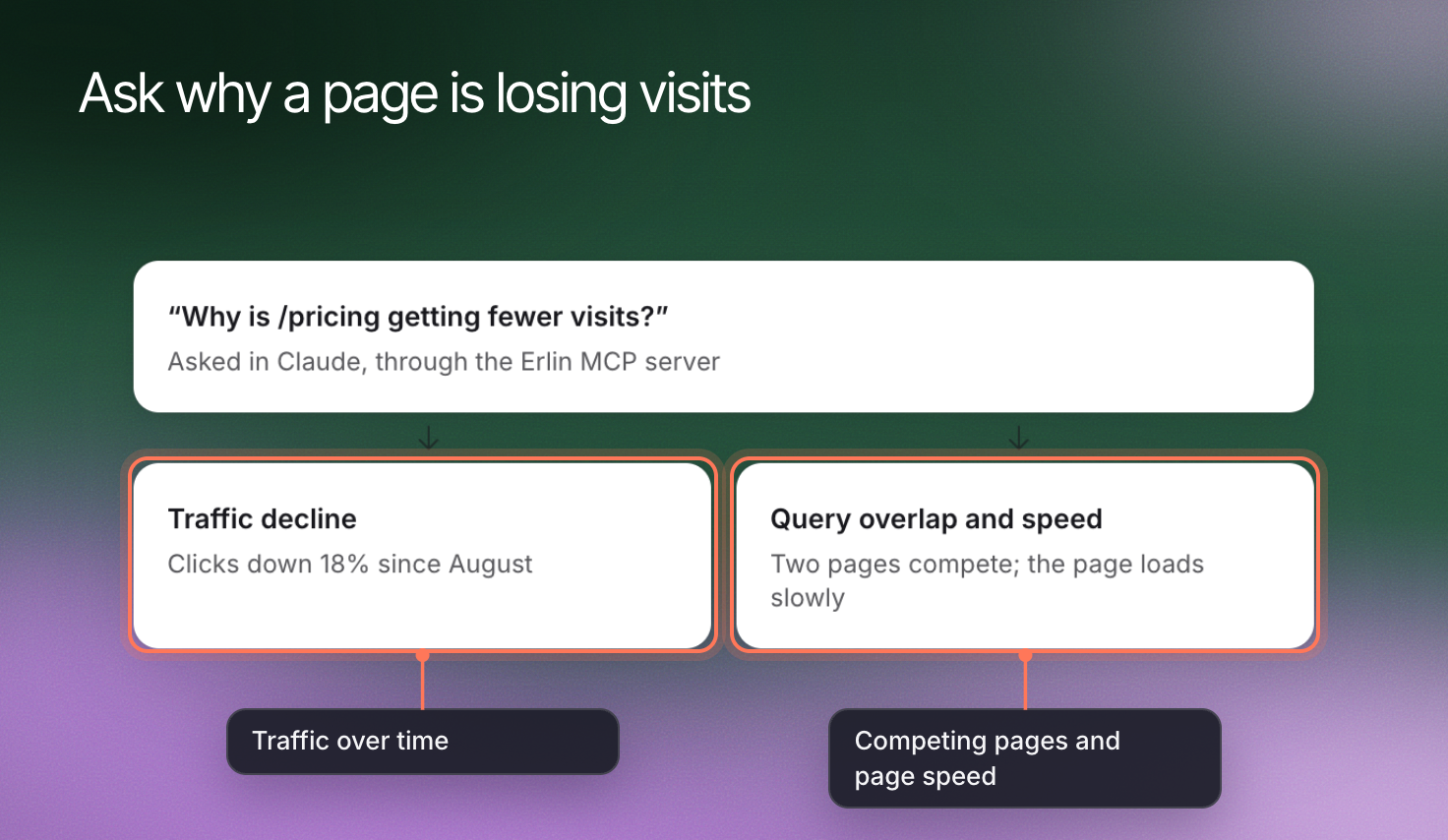 Ask Claude what to fix on your site and Erlin runs the analysis. These tools find decaying pages, pages that compete for the same keywords, prioritized recommendations, Core Web Vitals and your branded search split. They also return your brand profile.
## Choose the investigation
| Tool | Access | What it investigates | Important context |
|---|---|---|---|
| `erlin_get_content_decay` | Read | Pages losing traffic, biggest drops first | A recent period (default 28 days, 7 to 90) against a baseline (default 90 days, 30 to 365) |
| `erlin_get_cannibalization` | Read | Keywords where more than one of your pages competes in search results | Needs a connected Google Search Console property. You can ask for a date range. |
| `erlin_get_recommendations` | Read | Prioritized fixes, each with a priority score from 0 to 100 | Based on content decay, cannibalization, Core Web Vitals and page performance, plus search data with a Search Console property |
| `erlin_get_core_web_vitals` | Read | LCP, INP and CLS for one page or your whole domain, from real Chrome user data | Erlin keeps results for 24 hours |
| `erlin_get_branded_split` | Read | The share of search clicks and impressions from people searching your brand name | Default 28 days, up to 90. Erlin detects your brand terms, or you can give your own. |
| `erlin_get_brand_info` | Read | What Erlin knows about the brand behind a website | Returns the sections analyzed so far and names any that are missing |
Claude finds the website and Search Console property first, using the IDs Erlin returns.
## Interpret the result before choosing a fix
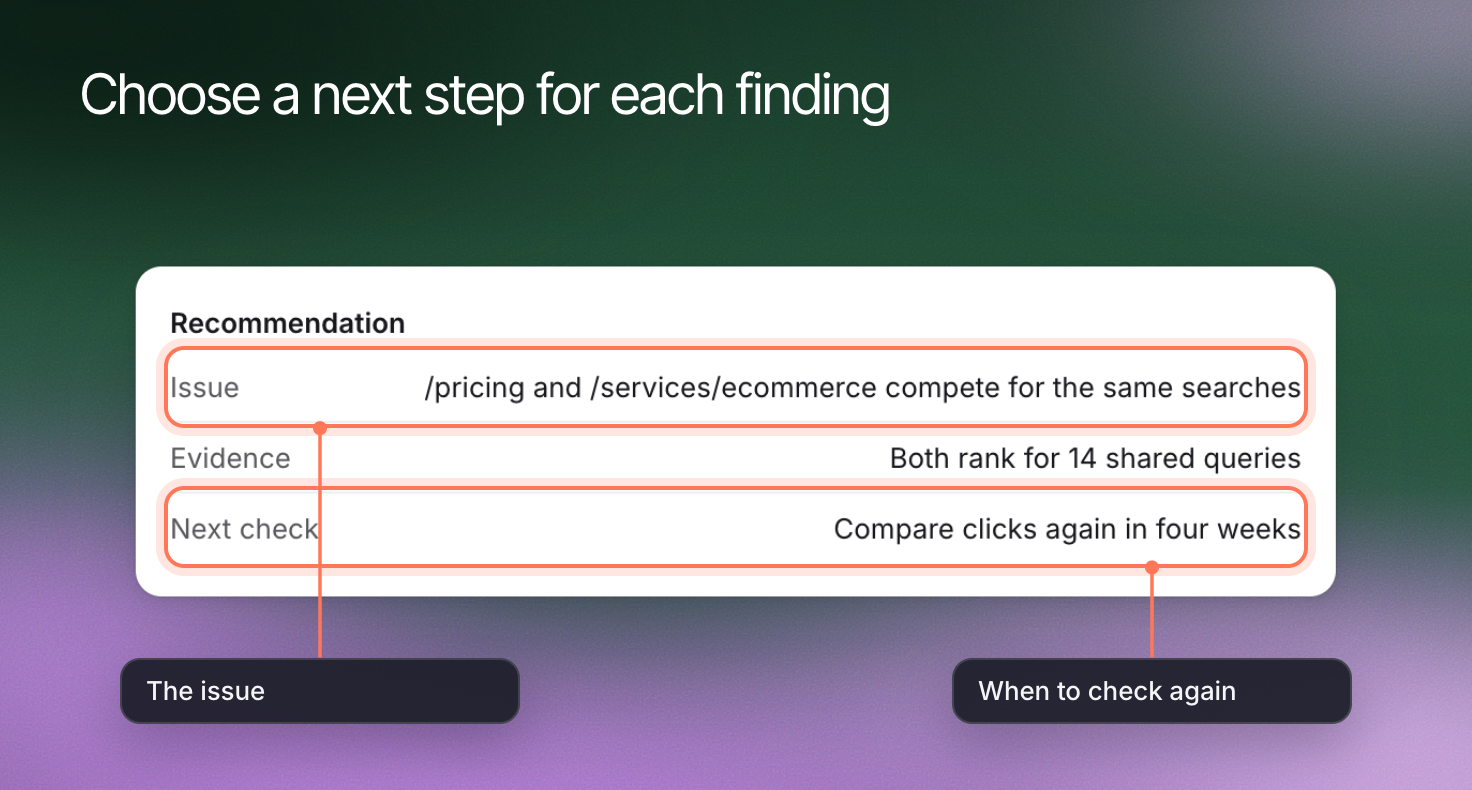
A traffic decline can come from seasonality, changed demand or a change to the site. Two pages competing for a keyword does not mean one should go: read both and compare what each is for.
Core Web Vitals come from the Chrome UX Report. A page with no data there has no result, which is not the same as a pass.
## Review recommendations as proposals
Ask Claude to show the evidence behind a recommendation's priority, and to say which data was missing.
Ask Claude what to fix on your site and Erlin runs the analysis. These tools find decaying pages, pages that compete for the same keywords, prioritized recommendations, Core Web Vitals and your branded search split. They also return your brand profile.
## Choose the investigation
| Tool | Access | What it investigates | Important context |
|---|---|---|---|
| `erlin_get_content_decay` | Read | Pages losing traffic, biggest drops first | A recent period (default 28 days, 7 to 90) against a baseline (default 90 days, 30 to 365) |
| `erlin_get_cannibalization` | Read | Keywords where more than one of your pages competes in search results | Needs a connected Google Search Console property. You can ask for a date range. |
| `erlin_get_recommendations` | Read | Prioritized fixes, each with a priority score from 0 to 100 | Based on content decay, cannibalization, Core Web Vitals and page performance, plus search data with a Search Console property |
| `erlin_get_core_web_vitals` | Read | LCP, INP and CLS for one page or your whole domain, from real Chrome user data | Erlin keeps results for 24 hours |
| `erlin_get_branded_split` | Read | The share of search clicks and impressions from people searching your brand name | Default 28 days, up to 90. Erlin detects your brand terms, or you can give your own. |
| `erlin_get_brand_info` | Read | What Erlin knows about the brand behind a website | Returns the sections analyzed so far and names any that are missing |
Claude finds the website and Search Console property first, using the IDs Erlin returns.
## Interpret the result before choosing a fix
A traffic decline can come from seasonality, changed demand or a change to the site. Two pages competing for a keyword does not mean one should go: read both and compare what each is for.
Core Web Vitals come from the Chrome UX Report. A page with no data there has no result, which is not the same as a pass.
## Review recommendations as proposals
Ask Claude to show the evidence behind a recommendation's priority, and to say which data was missing.
 ## Continue in the appropriate workflow
Use [Content optimization](https://www.erlin.ai/docs/content/content-optimization) to update a page, or [analytics tools](https://www.erlin.ai/docs/mcp/analytics-tools) for a closer look at the data. `/erlin_content_opportunities` combines these signals into one report: see [MCP workflow prompts](https://www.erlin.ai/docs/mcp/slash-commands).
## Continue in the appropriate workflow
Use [Content optimization](https://www.erlin.ai/docs/content/content-optimization) to update a page, or [analytics tools](https://www.erlin.ai/docs/mcp/analytics-tools) for a closer look at the data. `/erlin_content_opportunities` combines these signals into one report: see [MCP workflow prompts](https://www.erlin.ai/docs/mcp/slash-commands).