# Manage writing rules
> Writing Rules are the style rules Erlin follows when it writes, learned from your edits or added by you.
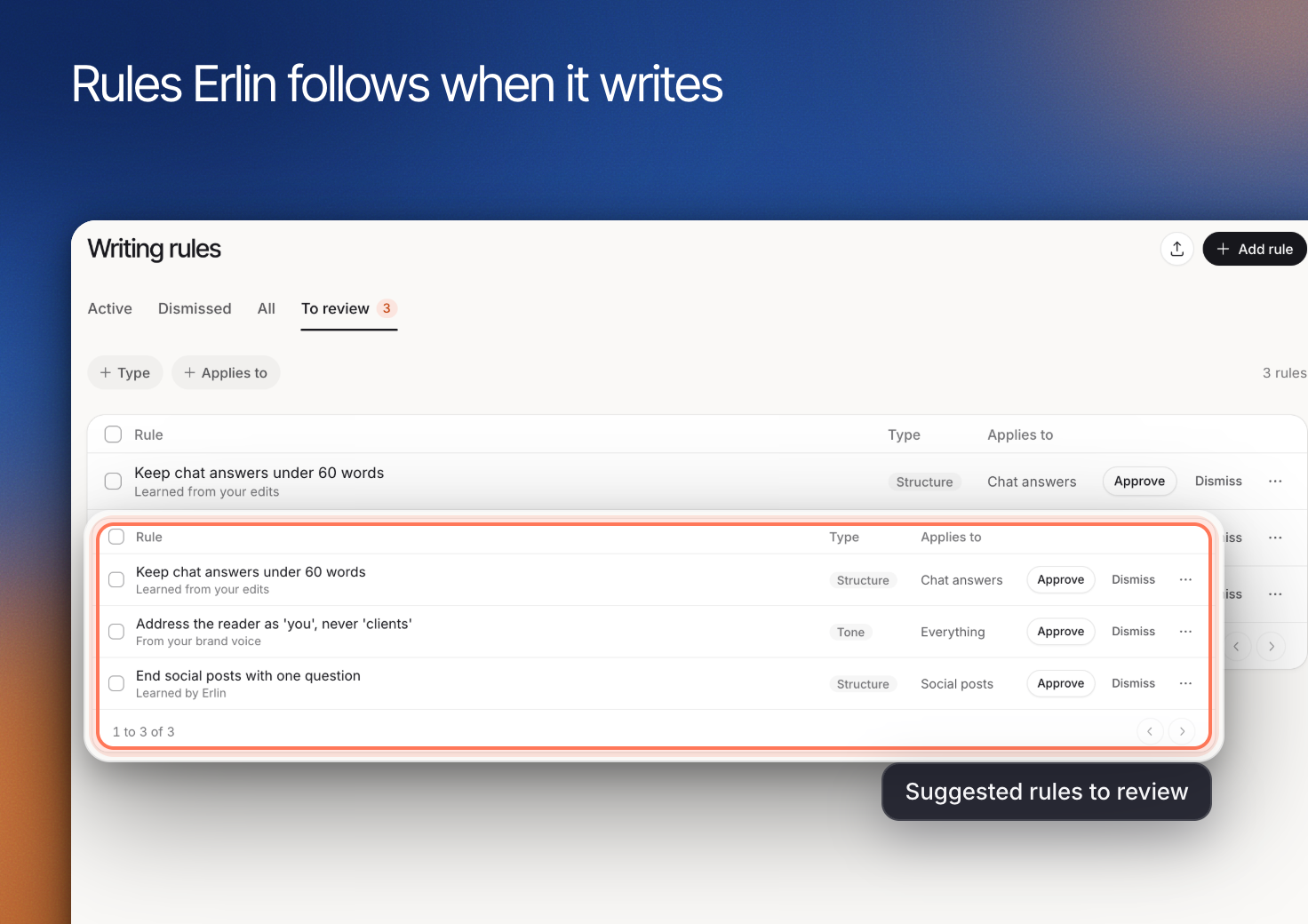 **Writing rules** describe specific requirements Erlin should use when writing for your brand. A useful rule is clear enough for a reviewer to decide whether a sentence follows it.
Use [Tone & Voice](https://www.erlin.ai/docs/brand/tone-and-voice) for the broad style and [Compliance](https://www.erlin.ai/docs/brand/compliance) for requirements about prohibited or required claims.
## Review your rules
Open **Brand > Writing rules**. Use **Active**, **Dismissed**, **All** and **To review** to separate the rules Erlin follows from dismissed ones. A rule you add applies straight away. If Erlin learns a rule from your edits, it waits in **To review** until you approve or dismiss it.
Read a learned rule before approving it. A correction made for one article may not be appropriate for every future piece.
## Add a rule
Open **Add a writing rule**. Enter the **Rule**, choose **Type** and review **Applies to**, then select **Add rule**.
Write the desired behavior directly. For example, “Explain acronyms on first use” is clearer than “Avoid confusing language.” Keep separate requirements in separate rules when they can apply independently.
## Refine wording and scope
Open a rule to edit **Wording** and **Applies to**, then **Save**. Use the **Type** and **Applies to** filters to review related rules together.
Look for contradictions. “Keep every answer brief” can conflict with a requirement to explain a complex limitation. Clarify when each instruction applies.
**Writing rules** describe specific requirements Erlin should use when writing for your brand. A useful rule is clear enough for a reviewer to decide whether a sentence follows it.
Use [Tone & Voice](https://www.erlin.ai/docs/brand/tone-and-voice) for the broad style and [Compliance](https://www.erlin.ai/docs/brand/compliance) for requirements about prohibited or required claims.
## Review your rules
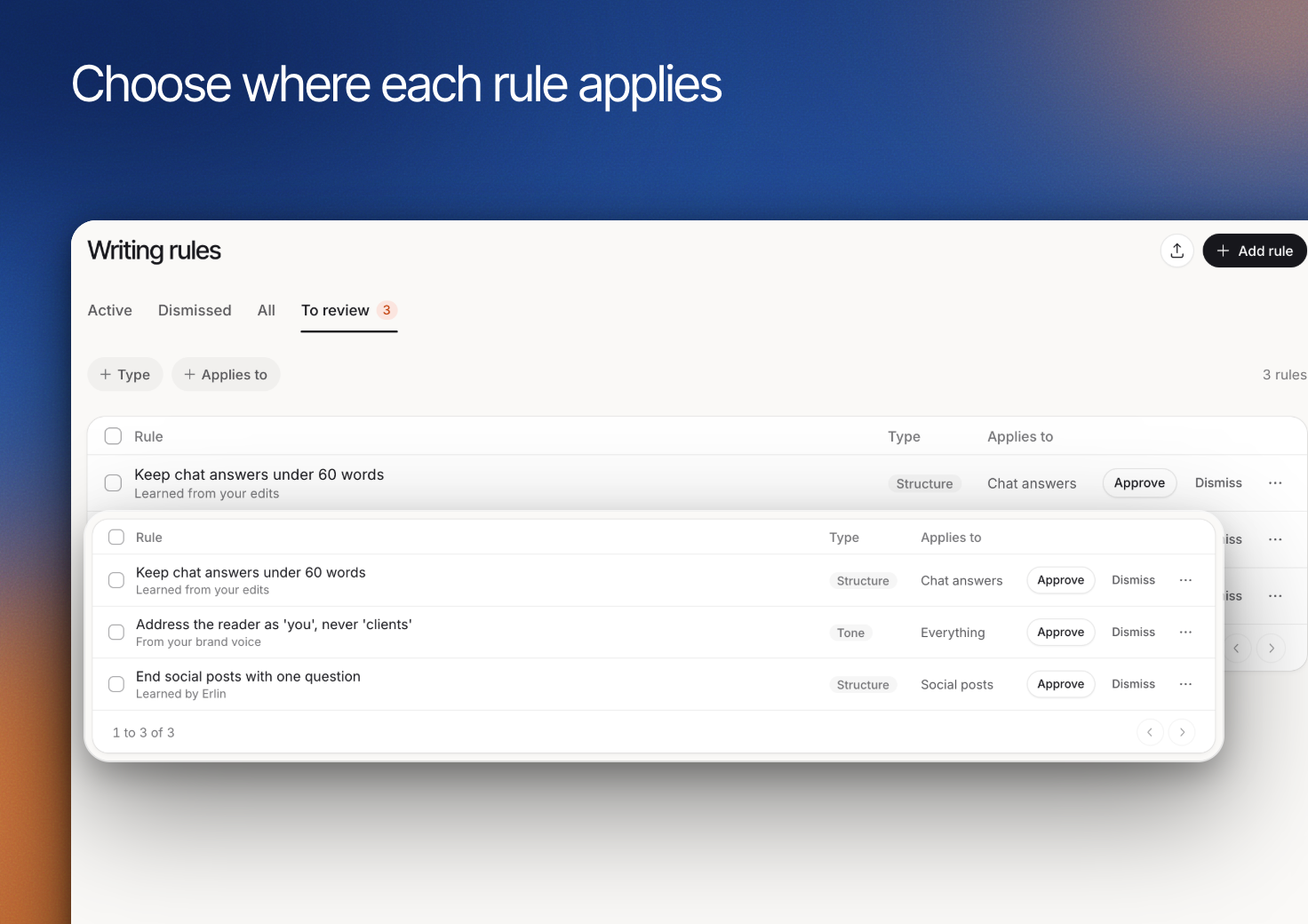
Open **Brand > Writing rules**. Use **Active**, **Dismissed**, **All** and **To review** to separate the rules Erlin follows from dismissed ones. A rule you add applies straight away. If Erlin learns a rule from your edits, it waits in **To review** until you approve or dismiss it.
Read a learned rule before approving it. A correction made for one article may not be appropriate for every future piece.
## Add a rule
Open **Add a writing rule**. Enter the **Rule**, choose **Type** and review **Applies to**, then select **Add rule**.
Write the desired behavior directly. For example, “Explain acronyms on first use” is clearer than “Avoid confusing language.” Keep separate requirements in separate rules when they can apply independently.
## Refine wording and scope
Open a rule to edit **Wording** and **Applies to**, then **Save**. Use the **Type** and **Applies to** filters to review related rules together.
Look for contradictions. “Keep every answer brief” can conflict with a requirement to explain a complex limitation. Clarify when each instruction applies.
 ## Check the next draft
Review the next relevant piece in the [editor](https://www.erlin.ai/docs/content/editor-and-publishing). Confirm that the rule improves clarity without changing factual meaning.
When a rule no longer fits, dismiss it (and use it again later from its menu if needed), or delete a rule you added, instead of adding a contradictory rule. Keep the rule set understandable to the people reviewing Erlin's work.
## Check the next draft
Review the next relevant piece in the [editor](https://www.erlin.ai/docs/content/editor-and-publishing). Confirm that the rule improves clarity without changing factual meaning.
When a rule no longer fits, dismiss it (and use it again later from its menu if needed), or delete a rule you added, instead of adding a contradictory rule. Keep the rule set understandable to the people reviewing Erlin's work.