# Review customer sentiment
> Sentiment is what customers say about your brand, products and services, read from your site and from Google search.
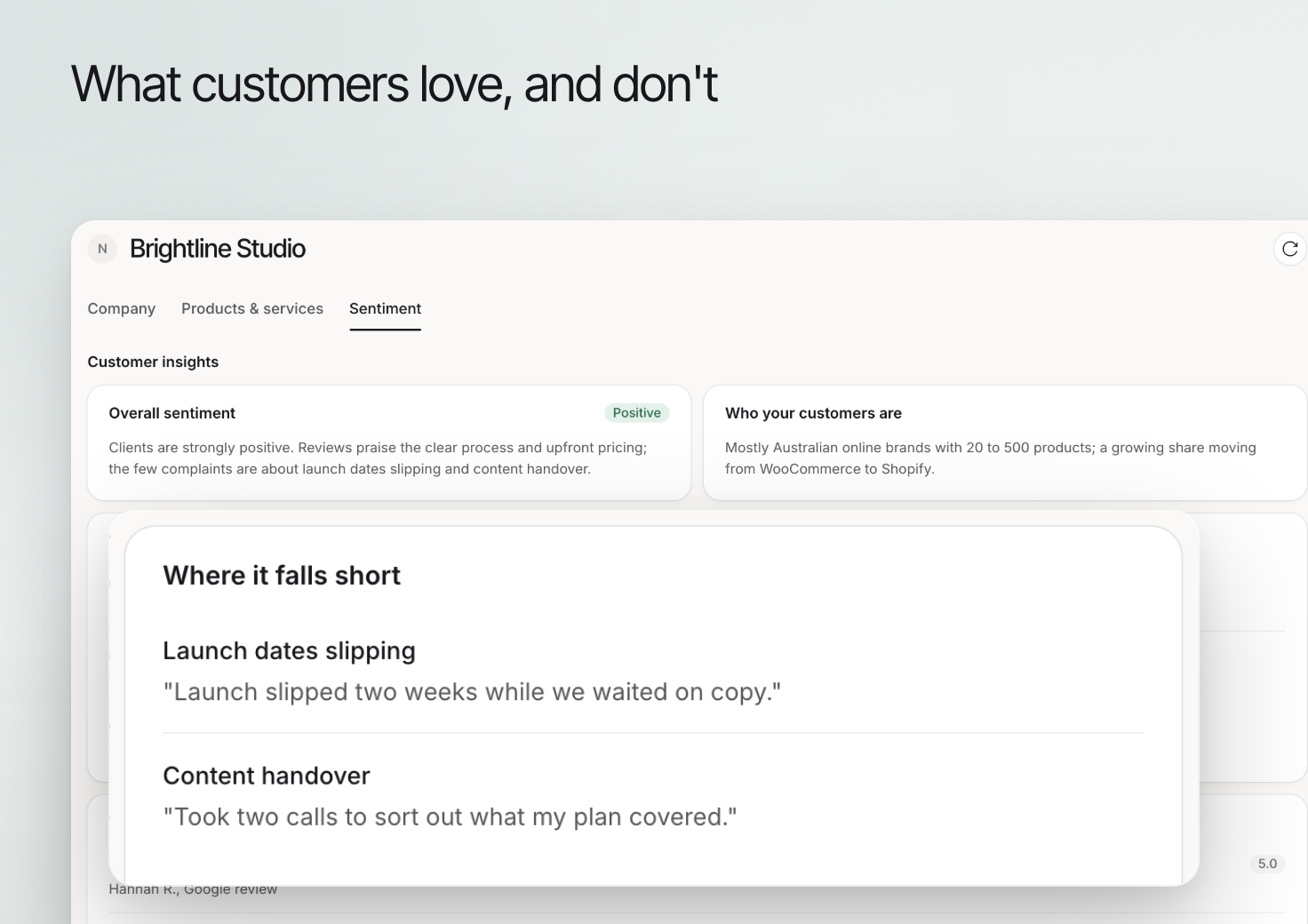 Use **Sentiment** to review the customer themes available for your brand. The summary helps you identify questions to investigate about the offering, experience and reasons people buy.
A summary of available sources is not a survey of every customer. Read the underlying context before treating a theme as representative of the whole audience.
## Review customer insights
Open **Brand > Overview**, select the **Sentiment** tab and review **Customer insights**. The first time, select **Read what customers say** and wait for Erlin to finish in the background. Review **Overall sentiment**, **Who your customers are**, **What customers love** and **Where it falls short**.
Look for specific experiences rather than relying on the overall label. A positive summary can still contain a recurring issue worth addressing.
## Review buying behavior
Use **Buying behavior** to examine **Why they buy**, **How they buy** and **Product quality**. Compare these themes with the business knowledge and actual inquiries your team receives.
An observed preference can inform a question or explanation. It should not become an unsupported promise about what every customer values.
## Turn a theme into useful work
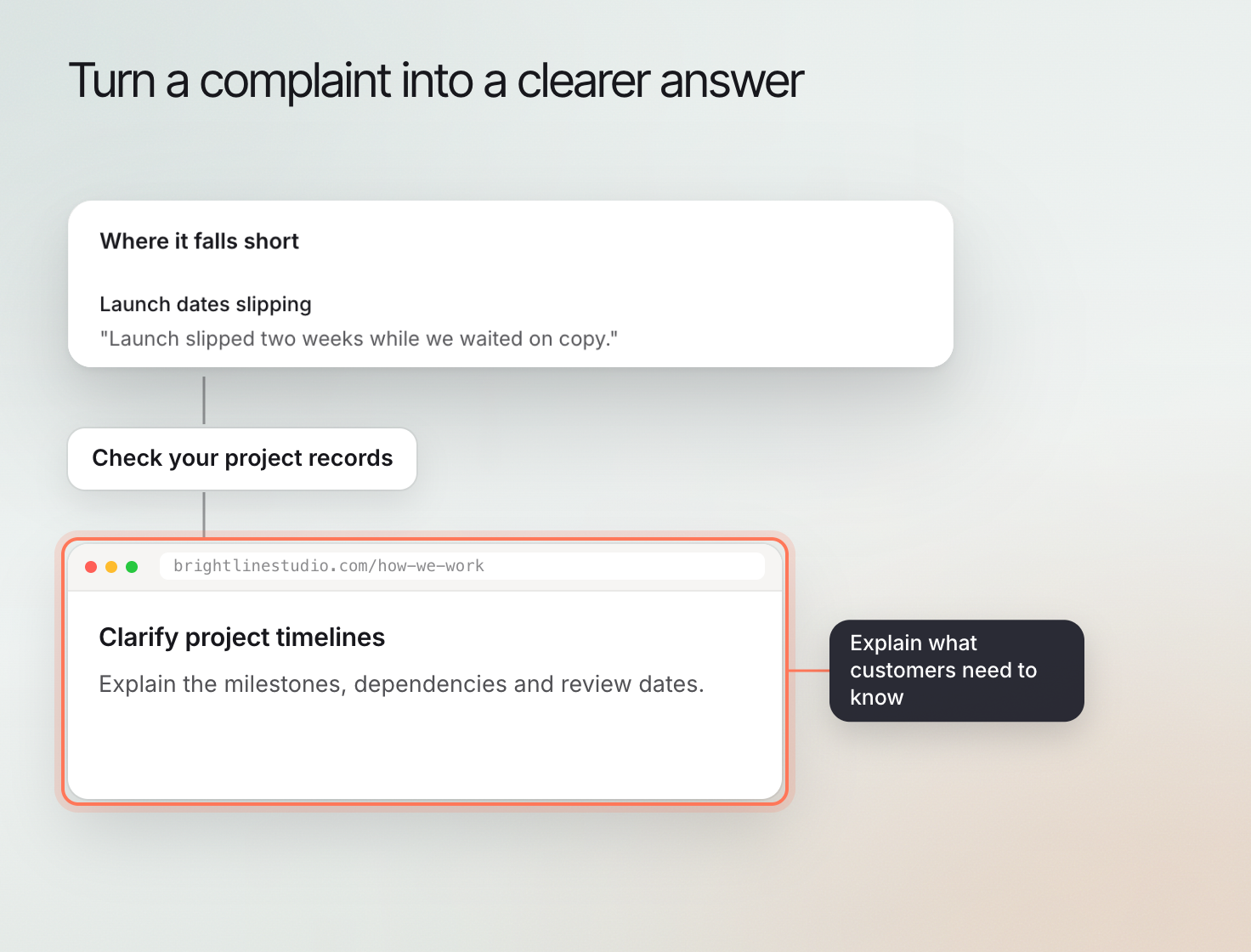
If customers repeatedly ask about preparation, improve the relevant guidance. If a concern describes a real service issue, investigate the service before changing the marketing wording.
Use **Sentiment** to review the customer themes available for your brand. The summary helps you identify questions to investigate about the offering, experience and reasons people buy.
A summary of available sources is not a survey of every customer. Read the underlying context before treating a theme as representative of the whole audience.
## Review customer insights
Open **Brand > Overview**, select the **Sentiment** tab and review **Customer insights**. The first time, select **Read what customers say** and wait for Erlin to finish in the background. Review **Overall sentiment**, **Who your customers are**, **What customers love** and **Where it falls short**.
Look for specific experiences rather than relying on the overall label. A positive summary can still contain a recurring issue worth addressing.
## Review buying behavior
Use **Buying behavior** to examine **Why they buy**, **How they buy** and **Product quality**. Compare these themes with the business knowledge and actual inquiries your team receives.
An observed preference can inform a question or explanation. It should not become an unsupported promise about what every customer values.
## Turn a theme into useful work
If customers repeatedly ask about preparation, improve the relevant guidance. If a concern describes a real service issue, investigate the service before changing the marketing wording.
 ## Refresh and compare carefully
Use the **Refresh** icon to reload the saved read. While a new read runs, a banner says Erlin is reading again and the last read stays on screen. Note whether the available sources or period changed before concluding that sentiment improved.
Continue with [Knowledge](https://www.erlin.ai/docs/brand/knowledge) to correct business facts or [New content](https://www.erlin.ai/docs/content/new-content) to answer a useful customer question. Use [AI answer details](https://www.erlin.ai/docs/ai-visibility/prompts/prompt-details) for what an external assistant says about the brand.
## Refresh and compare carefully
Use the **Refresh** icon to reload the saved read. While a new read runs, a banner says Erlin is reading again and the last read stays on screen. Note whether the available sources or period changed before concluding that sentiment improved.
Continue with [Knowledge](https://www.erlin.ai/docs/brand/knowledge) to correct business facts or [New content](https://www.erlin.ai/docs/content/new-content) to answer a useful customer question. Use [AI answer details](https://www.erlin.ai/docs/ai-visibility/prompts/prompt-details) for what an external assistant says about the brand.