# Review YouTube citations
> The YouTube view of Citations lists the youtube.com videos AI answers cite for your tracked prompts, and whether each one names you.
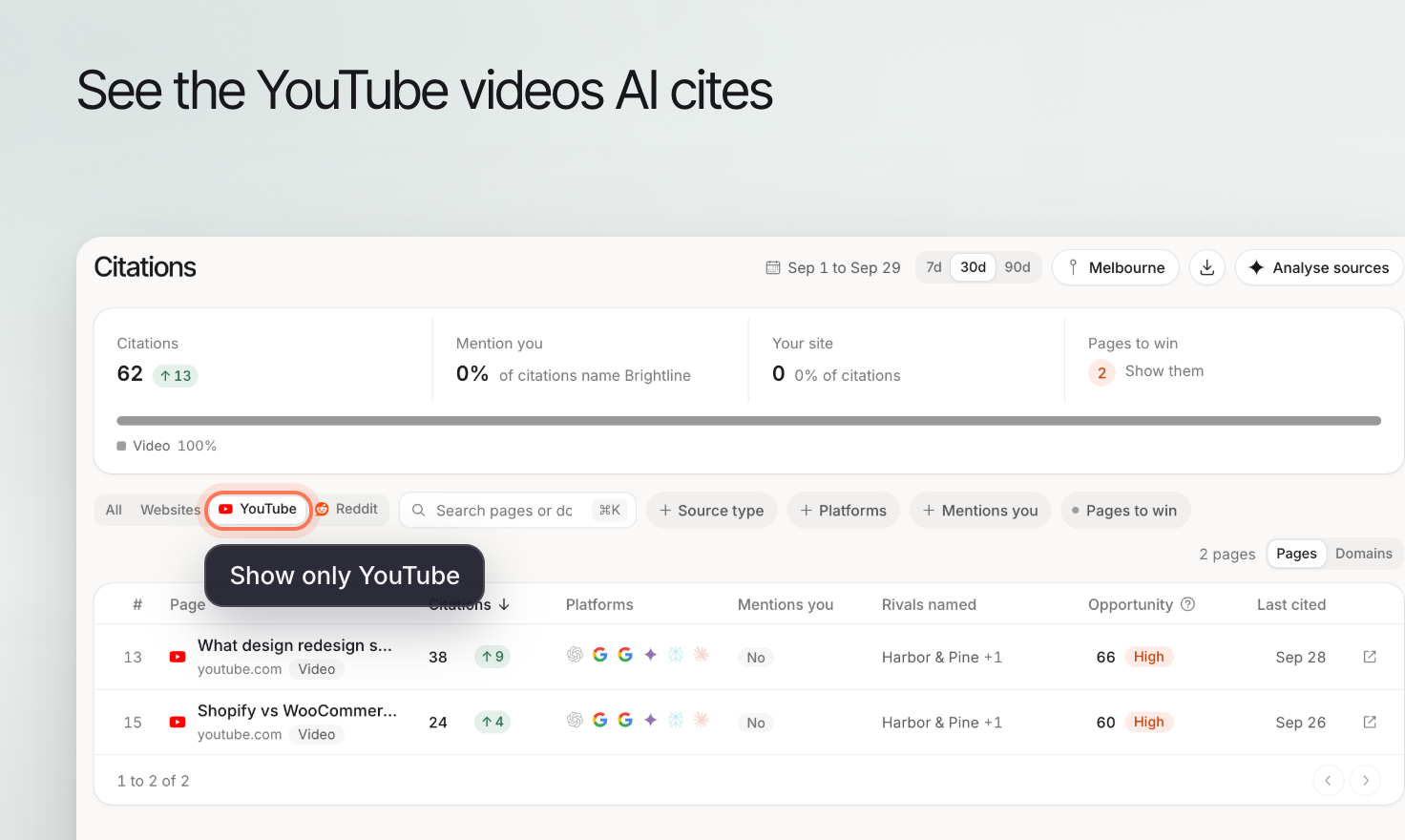 Use YouTube citations to investigate videos referenced in collected AI answers. The useful question is what the video contributes to the answer: a demonstration, explanation, review or comparison.
## 1. Find the cited video
Open **Citations** and select **YouTube** under **Source**. Use **Platforms** and **Mentions you** to narrow the results when needed.
Open the relevant source and review the associated prompt. Watch the relevant part of the video and read its description before relying on the title alone.
## 2. Check identity, context and accuracy
Confirm that the video discusses your business or product, rather than a similarly named alternative. Check whether it covers the current version and whether any price, availability or feature claim still applies.
A favorable video is not proof that every answer recommends the product. Read the answer to see which point the source supports.
## 3. Choose a useful improvement
If you own the video, correct inaccurate descriptions and make the explanation easier to follow. If someone else owns it, use an appropriate correction channel when there is a factual error.
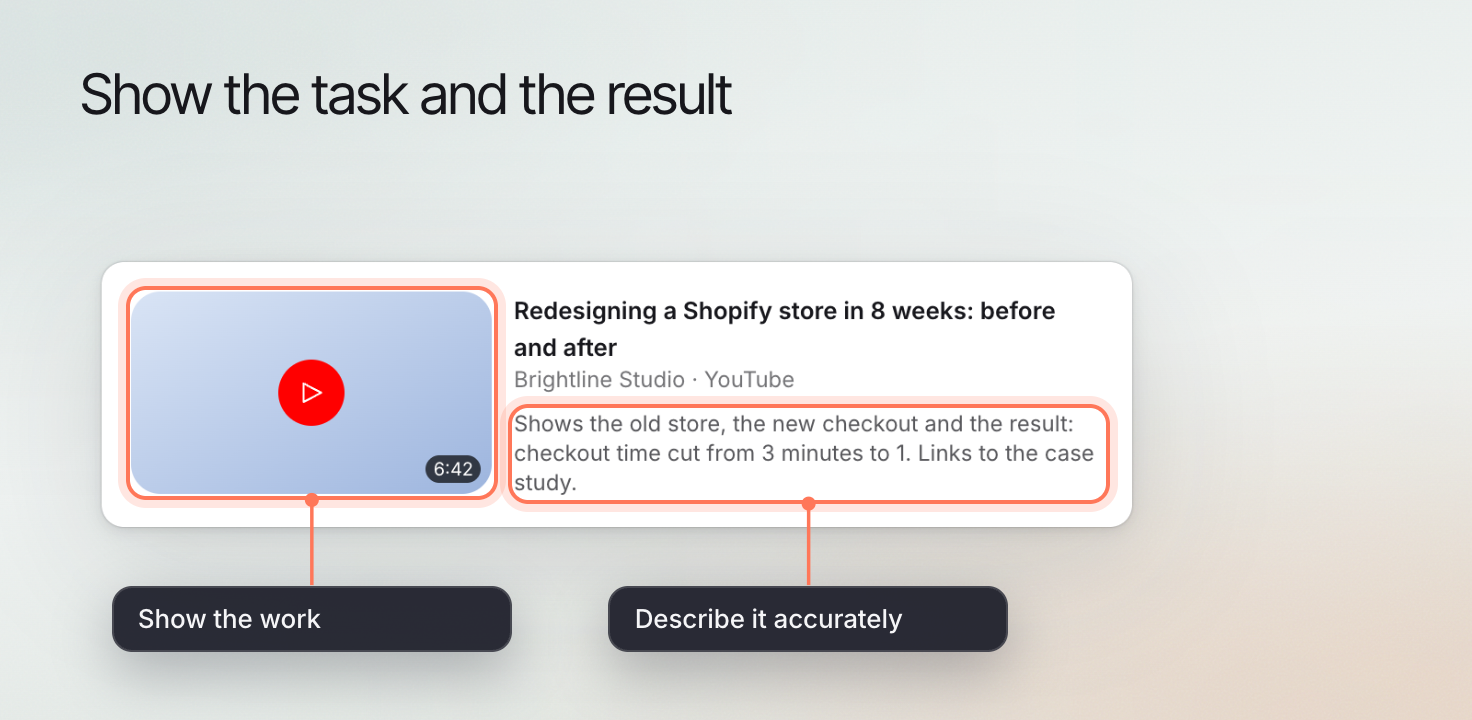
A useful demonstration shows the task and its result. Avoid creating a video solely to repeat a keyword or claim that a certain format guarantees AI citations.
Use YouTube citations to investigate videos referenced in collected AI answers. The useful question is what the video contributes to the answer: a demonstration, explanation, review or comparison.
## 1. Find the cited video
Open **Citations** and select **YouTube** under **Source**. Use **Platforms** and **Mentions you** to narrow the results when needed.
Open the relevant source and review the associated prompt. Watch the relevant part of the video and read its description before relying on the title alone.
## 2. Check identity, context and accuracy
Confirm that the video discusses your business or product, rather than a similarly named alternative. Check whether it covers the current version and whether any price, availability or feature claim still applies.
A favorable video is not proof that every answer recommends the product. Read the answer to see which point the source supports.
## 3. Choose a useful improvement
If you own the video, correct inaccurate descriptions and make the explanation easier to follow. If someone else owns it, use an appropriate correction channel when there is a factual error.
A useful demonstration shows the task and its result. Avoid creating a video solely to repeat a keyword or claim that a certain format guarantees AI citations.
 ## 4. Keep the outcome separate from the activity
Publishing or updating a video is an action you control. Whether an AI platform cites it in later answers is an outcome you observe.
Review later answers under a consistent prompt scope and retain the source URL in your notes. Return to [Citations](https://www.erlin.ai/docs/ai-visibility/citations/overview) to compare videos with other source types, or [Content library](https://www.erlin.ai/docs/content/library) to organize related owned content.
## 4. Keep the outcome separate from the activity
Publishing or updating a video is an action you control. Whether an AI platform cites it in later answers is an outcome you observe.
Review later answers under a consistent prompt scope and retain the source URL in your notes. Return to [Citations](https://www.erlin.ai/docs/ai-visibility/citations/overview) to compare videos with other source types, or [Content library](https://www.erlin.ai/docs/content/library) to organize related owned content.